
Give your idea dimensions.
Start with a board or a sketch. Build in the relationships that make the next change easier.
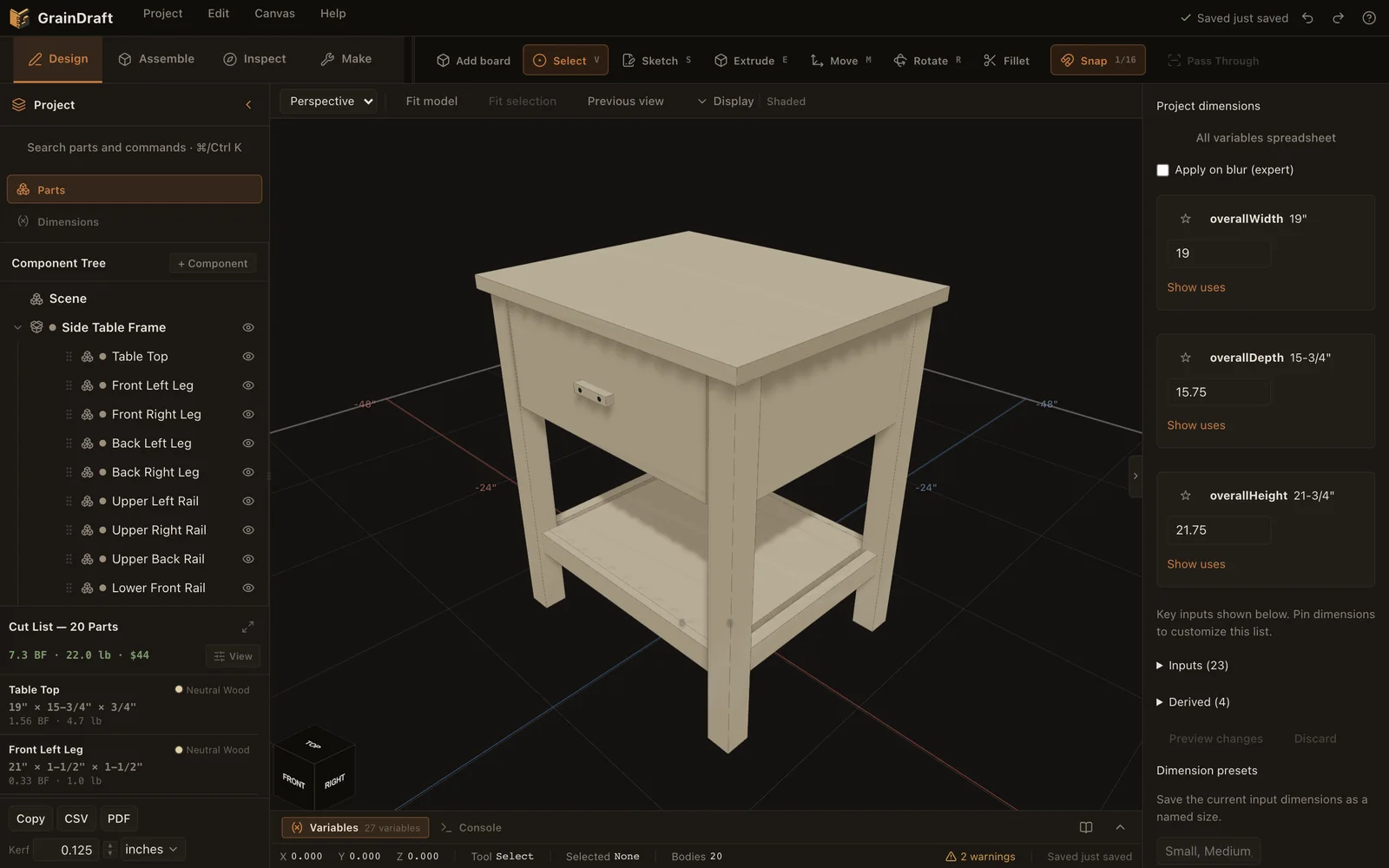
What Design does
01
Boards in a few fields
Add a board or panel with a name, material and exact dimensions. It becomes an editable sketch and extrusion, ready to move into place.
02
Fractions that belong in a shop
Enter dimensions such as 15 3/4. Switch between fractions and decimals; approximation marks tell you when a displayed value is rounded.
03
Sketches that remain editable
Draw lines, rectangles, circles, arcs, polygons, slots and splines. Snap and dimension a closed profile, then extrude stock or make a cut.
04
Dimensions with relationships
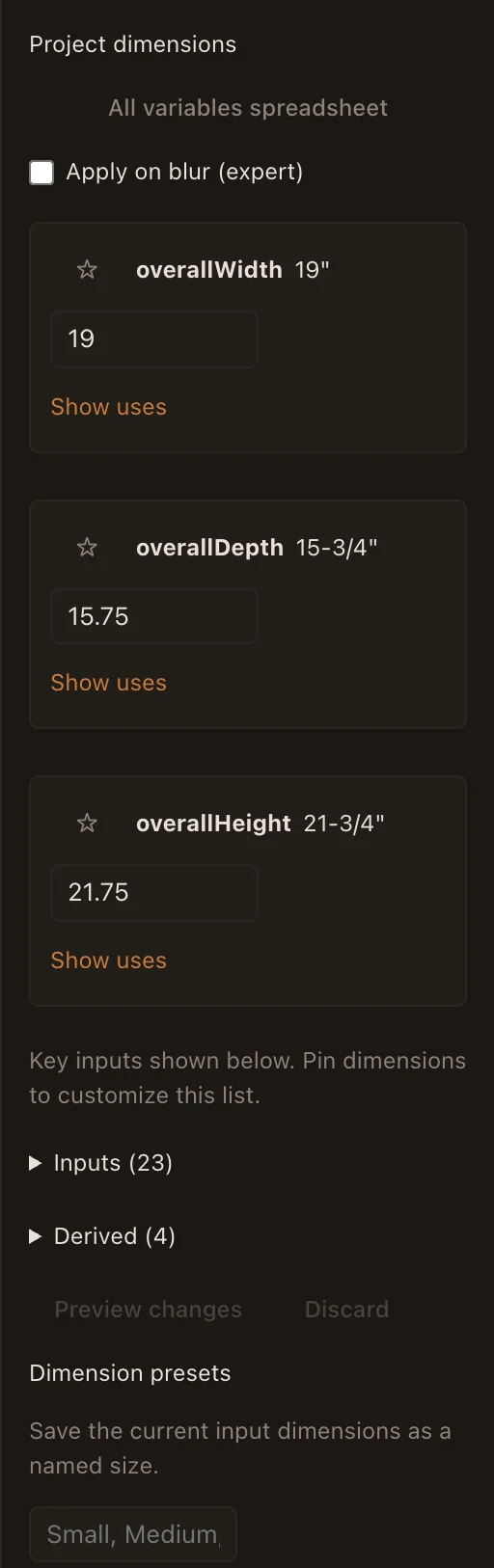
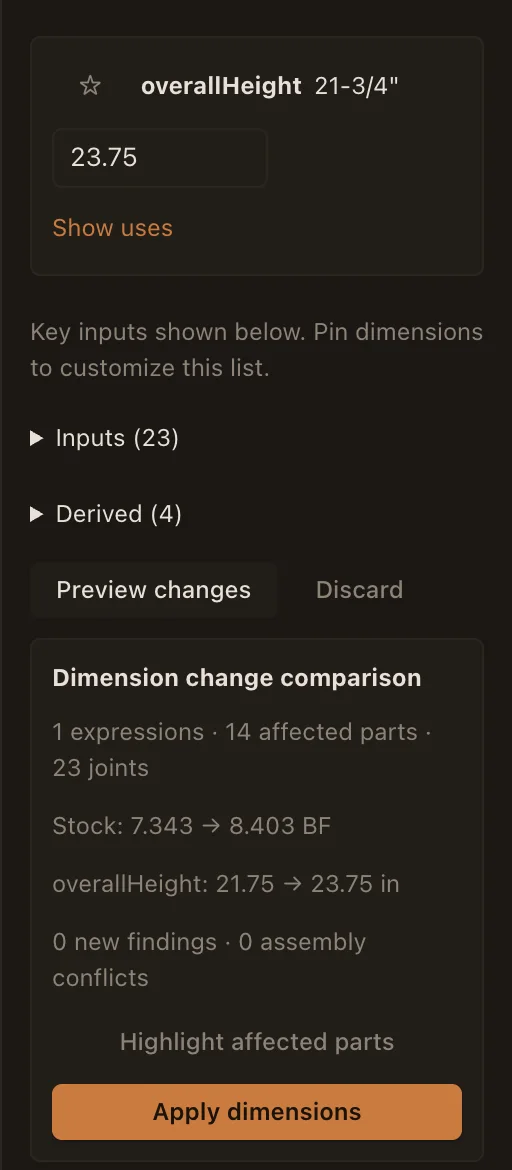
Name your inputs and use formulas for dependent sizes. Preview affected parts and joints before applying a project dimension change.
05
Size presets
Save named sets of input dimensions and compare a different size with the current project before applying it.
06
Find the part you need
Search by part name, material, joint or machining operation. Cmd/Ctrl K also brings the command catalog within reach.
07
Materials and edge details
Assign species and stock, inspect grain direction, and add supported chamfers or roundovers to the finished part.
08
Arrange and repeat parts
Move a part by typing exact inches, in world or part directions, with snapping and collision limits; nothing moves until you Apply. Duplicate, pattern, or mirror a supported part, and keep related boards together in components.